MacBook Pro 14-inch (M4) vs MacBook Pro 14-inch (M6)
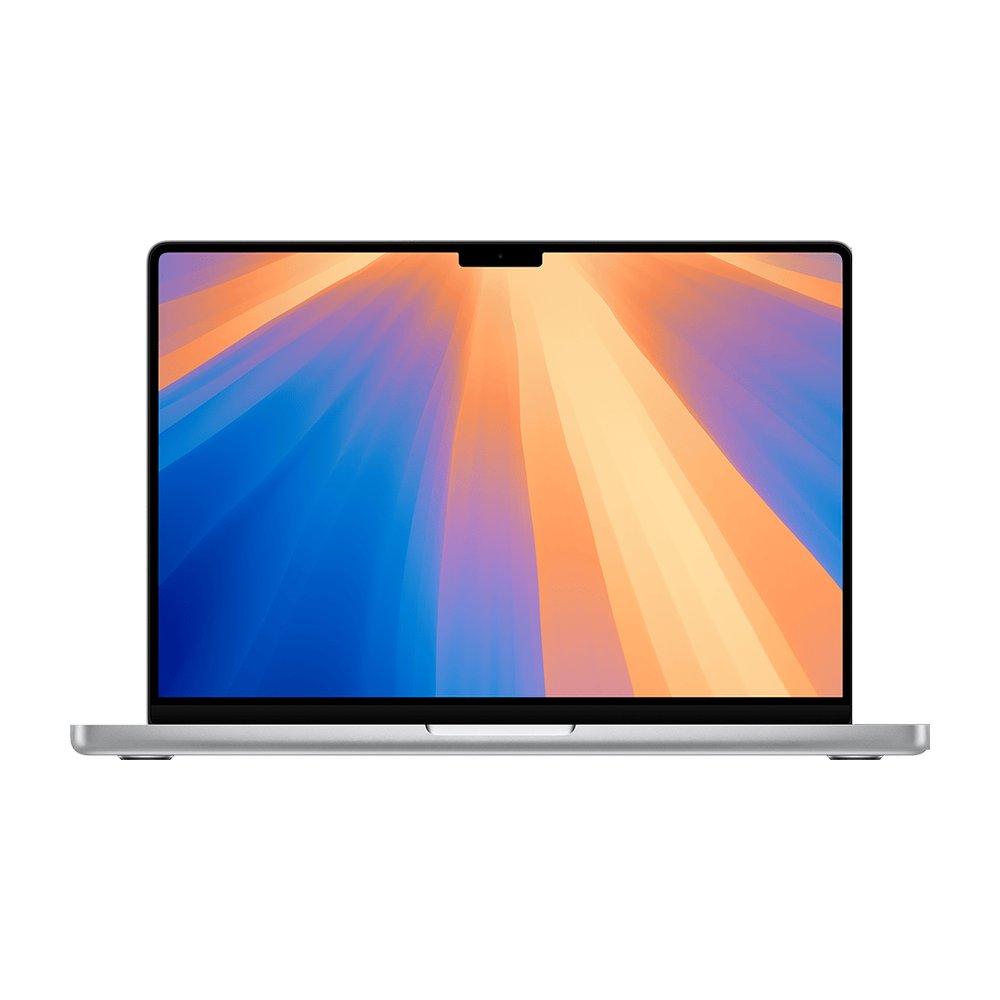
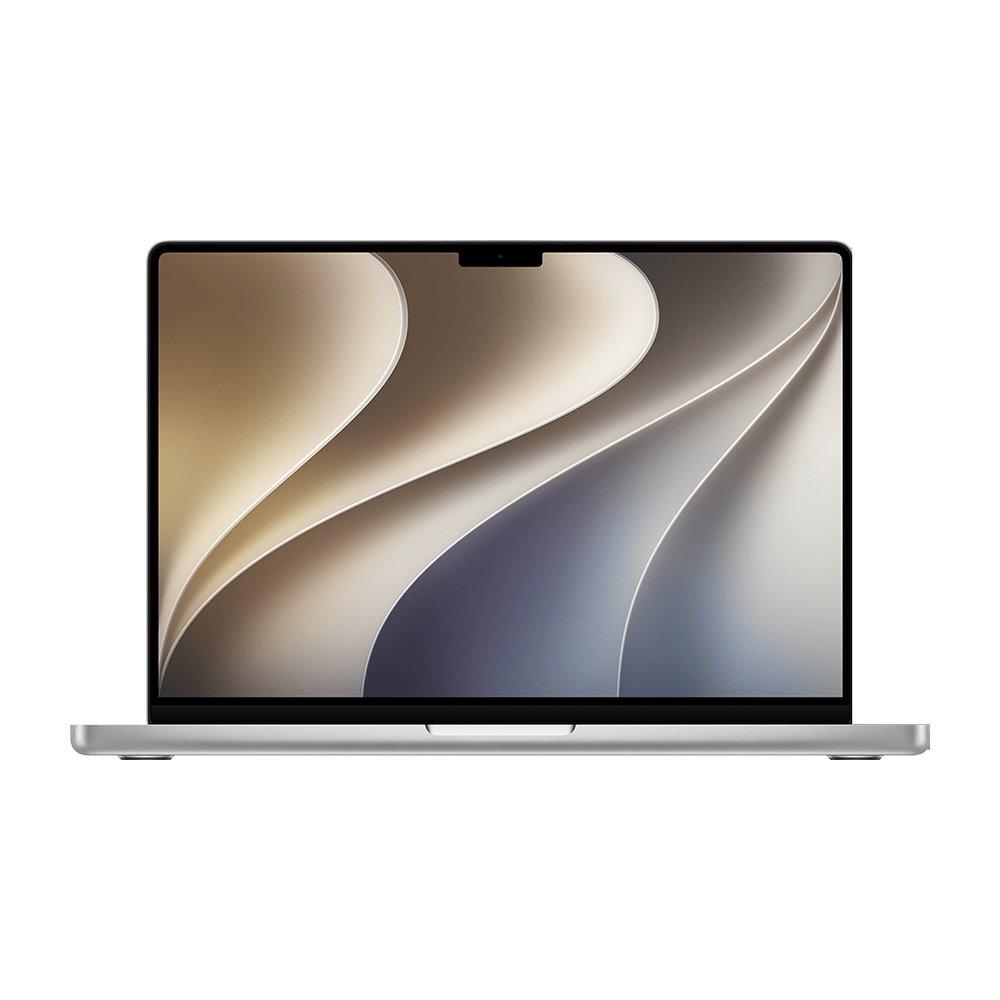
Same class of machine, one generation apart. The MacBook Pro 14-inch (M6) is the current model; the MacBook Pro 14-inch (M4) is the previous generation, now sold mostly refurbished and used. The jump is real but incremental, so the honest question is price: if the MacBook Pro 14-inch (M4) is meaningfully cheaper in good condition, it is often the better value, while the MacBook Pro 14-inch (M6) buys you the latest GPU and on-device AI and a full warranty.
If the MacBook Pro 14-inch (M6)'s advantages match your work, it earns the extra $639. If not, the MacBook Pro 14-inch (M4) is the smarter buy.
Which is right for you
- You want to spend less: it starts about $639 cheaper.
- You want the best value: bought refurbished or used in good condition, it delivers most of the experience for less.
- You run sustained heavy work: it has the stronger chip for exports, 3D, compiling and large AI models.
- You want the current generation, the latest GPU and on-device AI, and a full new-machine warranty.
How they differ, point by point
Each dimension lined up, with the edge marked where there is one. A check is not a blanket win; it is the better fit for that one thing.
| Dimension | MacBook Pro 14-inch (M4) | MacBook Pro 14-inch (M6) |
|---|---|---|
| PerformanceThe M6 is a generation newer than the M4. It is a real but incremental step: most buyers notice it in GPU and on-device AI more than in everyday CPU work, and a discounted M4 often remains the better value. | 10-core CPU (4 performance + 6 efficiency) | 12-core CPU (2 super + 4 performance + 6 efficiency) |
| Display EvenBoth use the same class of display. | 14.2" XDR · 120Hz | 14.2" XDR · 120Hz |
| Portability EvenSame weight, so portability is a wash. | 3.4 lb · 14.2" | 3.4 lb · 14.2" |
| Max memory EvenBoth configure to the same 32GB of unified memory, which is not upgradeable later, so pick the right amount up front. | 32GB | 32GB |
| Price fromThe MacBook Pro 14-inch (M4) starts about $639 less. The question is whether the MacBook Pro 14-inch (M6)'s advantages are worth that gap for how you actually work. | ~$1,360 | $1,999 |
Is now a good time to buy each?
The same buy-now-or-wait read we run on every model, for both sides at once, from the tracked price and Apple's refresh cadence.
The MacBook Pro 14-inch (M4) is a previous-generation MacBook Pro (M4, 2024), superseded by the MacBook Pro 14-inch (M6). Previous-generation MacBooks typically see steady discounts and strong certified-refurbished supply, which is what makes them the value pick when the newest chip's gains are not essential.
- Cheapest tracked
- $1,360 at ItsWorthMore
- Tracked low
- $1,360
- Condition
- Refurbished
- Generation
- Previous
Price tracked since Nov 16, 2026. Judged from the tracked price, Apple's refresh cadence and any announced or reported successor. How we judge this.
The MacBook Pro 14-inch (M6) is the current generation (M6, 2026). Apple refreshes the MacBook Pro line roughly every 13 months, so a successor is not imminent and buying now gets you the latest chip. We have tracked the cheapest offer's price since Nov 13, 2026; check back as the record builds for a firmer buy or wait call.
- Cheapest tracked
- $1,999 at Abt
- Tracked low
- $1,999
- Condition
- New
- Generation
- Current
Price tracked since Nov 13, 2026. Judged from the tracked price, Apple's refresh cadence and any announced or reported successor. How we judge this.
Full specifications, side by side
Every spec lined up. Highlighted rows are where the two differ, and each figure links to a reference showing every MacBook that shares it.
| Spec | MacBook Pro 14-inch (M4) | MacBook Pro 14-inch (M6) |
|---|---|---|
| Price from | ~$1,360 | $1,999 |
| Chip | M4 | M6 |
| CPU | 10-core CPU (4 performance + 6 efficiency) | 12-core CPU (2 super + 4 performance + 6 efficiency) |
| GPU | 10-core GPU | 12-core GPU |
| Neural Engine | 16-core | Dual 16-core |
| Memory | 16–32GB | 16–32GB |
| Storage | 512GB–2TB | 1TB–4TB |
| Display | 14.2-inch Liquid Retina XDR | 14.2-inch Liquid Retina XDR (mini-LED) |
| Resolution | 3024 × 1964 (254 ppi) | 3024 × 1964 (254 ppi) |
| Brightness | 1000 nits (1600 peak HDR) | 1000 nits (1600 peak HDR) |
| Refresh | ProMotion, up to 120Hz | ProMotion, up to 120Hz |
| Ports | 3× Thunderbolt 4, HDMI, SDXC card slot, MagSafe 3, 3.5mm headphone jack | 3× Thunderbolt 4, HDMI, SDXC card slot, MagSafe 3, 3.5mm headphone jack |
| Wireless | Wi-Fi 6E, Bluetooth 5.3 | Wi-Fi 7, Bluetooth 6 |
| Weight | 3.4 lb | 3.4 lb |
| Battery | Up to 24 hours | Up to 24 hours |
| Released | 2024 | 2026 |
MacBook Pro 14-inch (M4) vs MacBook Pro 14-inch (M6): common questions
- What is the main difference between the MacBook Pro 14-inch (M4) and the MacBook Pro 14-inch (M6)?
- The MacBook Pro 14-inch (M6) is the more capable machine (M6 class), and the MacBook Pro 14-inch (M4) is the more affordable one, starting about $639 less. Which is right depends on your workload.
- Is the MacBook Pro 14-inch (M6) worth the extra $639 over the MacBook Pro 14-inch (M4)?
- It is worth it if you regularly want the current generation and a full new-machine warranty. For everyday use (web, office, coding, streaming) the MacBook Pro 14-inch (M4) does the same job for less.
- Should I buy the older MacBook Pro 14-inch (M4) to save money?
- Often yes. The MacBook Pro 14-inch (M4) is a generation behind but still excellent, and refurbished or used prices can be well below the MacBook Pro 14-inch (M6). Buy the newer one if you want the latest GPU and on-device AI or a full new warranty; otherwise the older model is strong value.
Related comparisons
See every MacBook comparison or browse all MacBook prices.