For music production the MacBook Air's biggest advantage is that it is silent: no fan means no noise near a microphone. The M5 Air handles most Logic and Ableton sessions, and 24GB covers a healthy plugin count. Move to a Pro only when your sample libraries and track counts are large enough to need more memory and sustained CPU.
A fanless MacBook makes no noise a nearby microphone can pick up. Both Airs are fanless; the Pro has a fan that stays quiet but can spin up under a very heavy session.
Virtual instruments and sample libraries live in memory. 24GB comfortably runs a large plugin and instrument count; 48GB+ for orchestral libraries and very high track counts.
Thunderbolt for audio interfaces
Low-latency interfaces and fast sample-library drives connect over Thunderbolt. Every current MacBook has at least two Thunderbolt ports; the Pro has three.
Sustained CPU for big sessions
Track counts, real-time effects and software instruments load the CPU continuously. The Air is fine for typical sessions; a Pro's active cooling holds up under the largest ones.
The picks
Prices are the lowest we currently track for each model, across every seller and condition. Each figure links to the exact offer and source it comes from. BuyMacbook.co does not sell MacBooks.
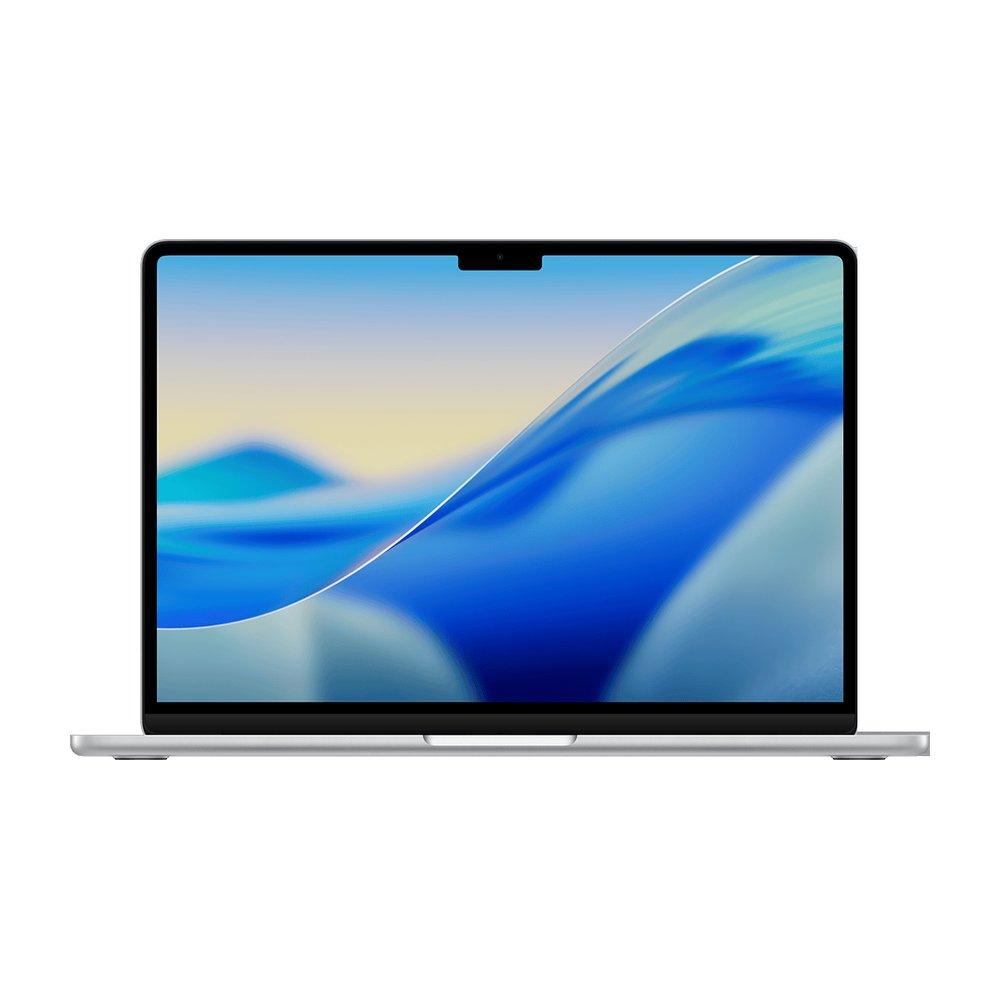
Fanless and truly silent, which matters when you record near the machine. The M5 runs typical Logic and Ableton sessions comfortably, and two Thunderbolt ports connect an interface and a sample drive. 24GB is the config for a healthy plugin count.
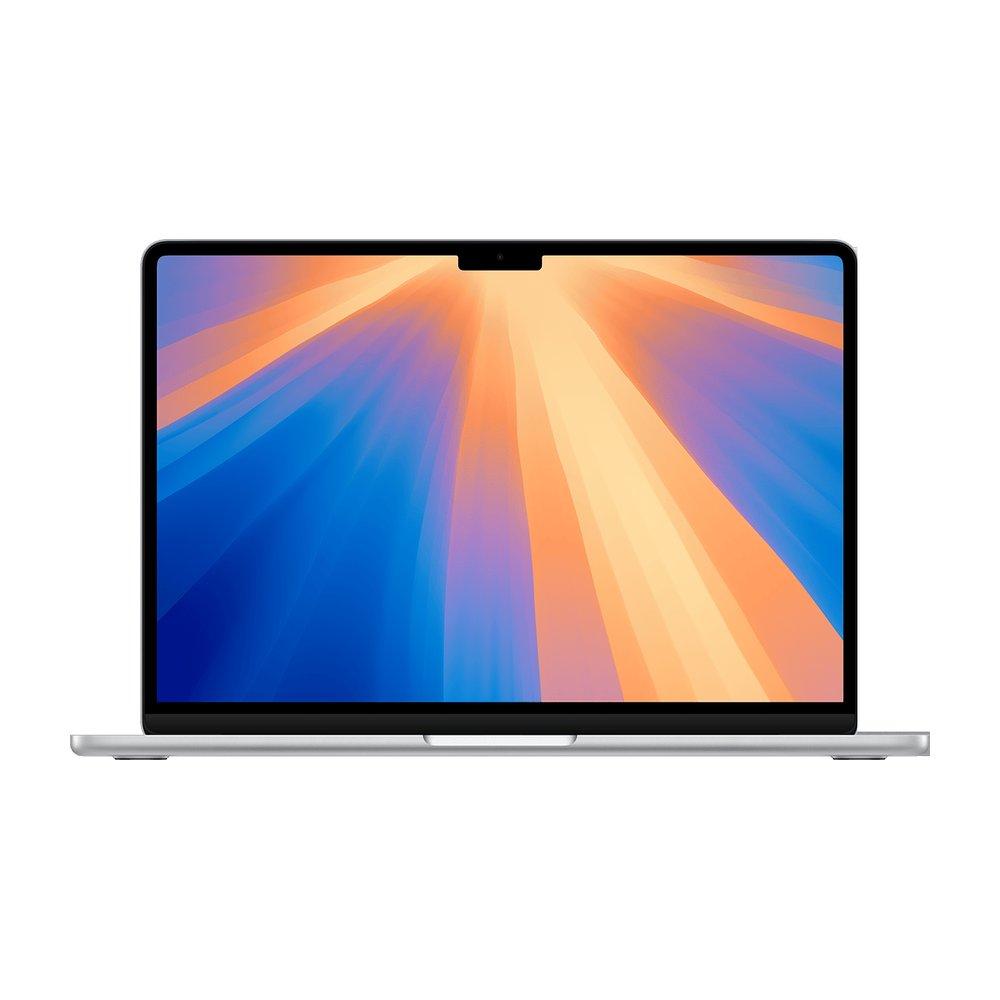
The same silent, fanless design one generation back, cheapest refurbished. 16GB suits smaller sessions and producers starting out; the M4 has plenty of headroom for beat-making and songwriting.
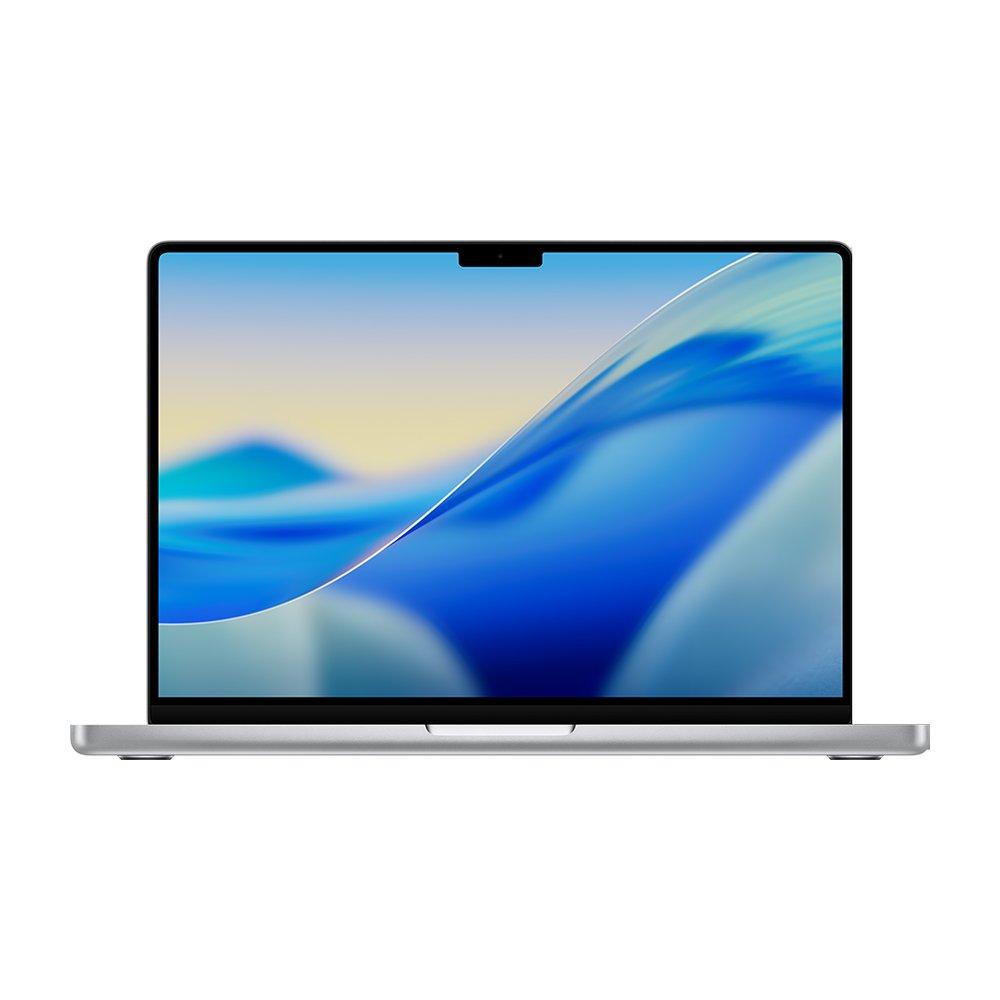
For large orchestral libraries, very high track counts and heavy real-time effects. The M5 Pro's extra CPU cores and 48GB carry sessions the Air would strain on, three Thunderbolt ports for more gear, and the fan stays quiet in normal use.
Best MacBook for music producers: common questions
Is a fanless MacBook Air better for recording?
For recording near the computer, yes. A fanless Air makes no noise a microphone can capture, which a fan-equipped laptop can under load. The Air handles most production sessions; only very large sessions push it hard enough to prefer a Pro. A silent home setup like this also suits paid voice recording work for AI speech models, which mostly asks for a clear voice, a quiet room and a decent microphone; the voice recording roles listed on AITraining.jobs, which we created, show the hourly pay each one advertises.
How much memory do I need for music production?
16GB works for beat-making and smaller sessions. 24GB is the comfortable default for a healthy count of software instruments and plugins. 48GB and up is for large sample and orchestral libraries with high track counts.
Do I need a MacBook Pro for Logic or Ableton?
Not for most sessions. The Air runs Logic and Ableton well and silently. A Pro pays off when your sessions get large: many tracks, heavy real-time effects and big sample libraries that need more memory and sustained CPU.