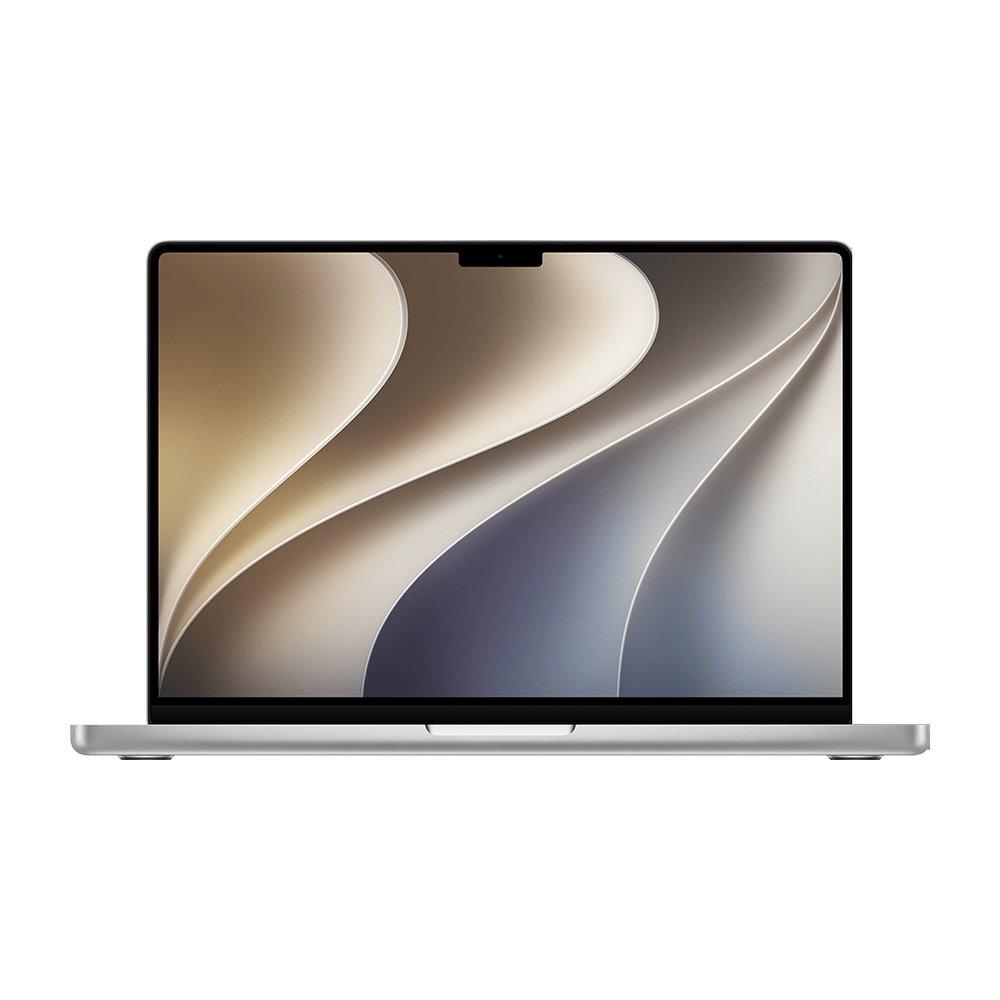
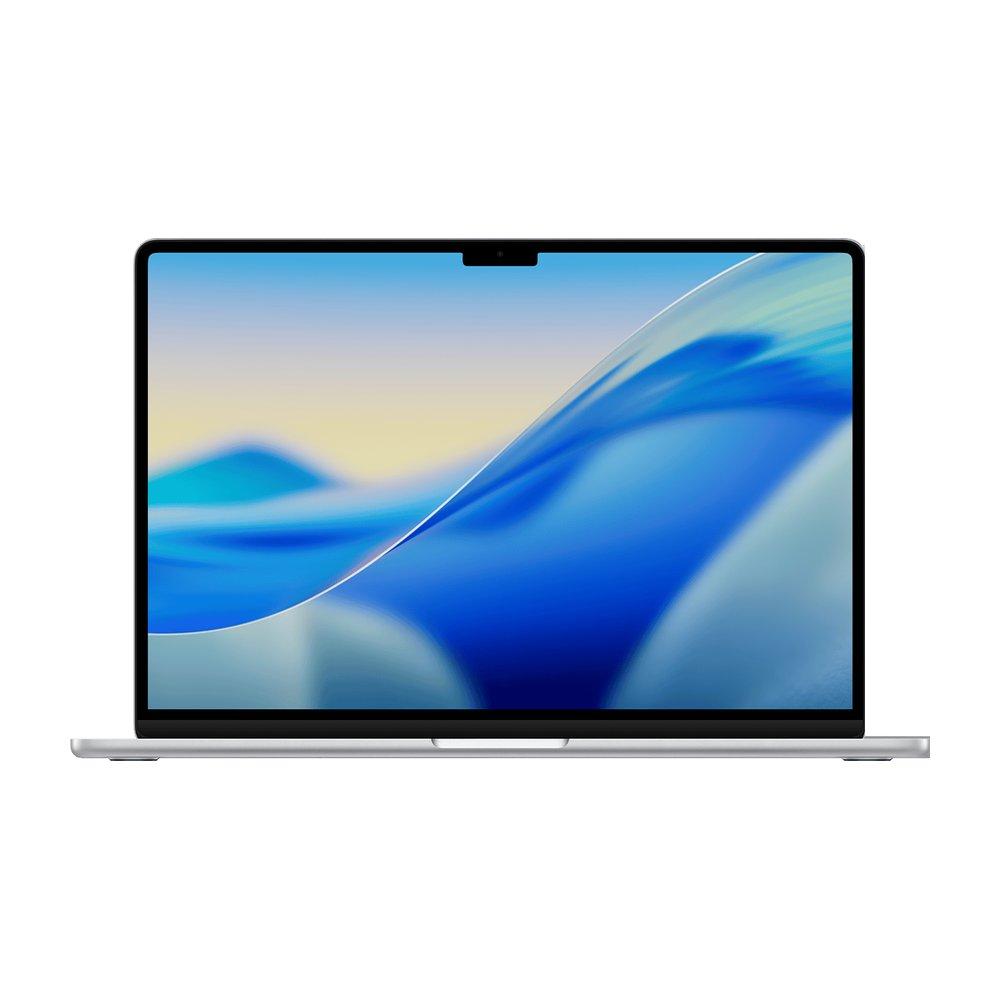
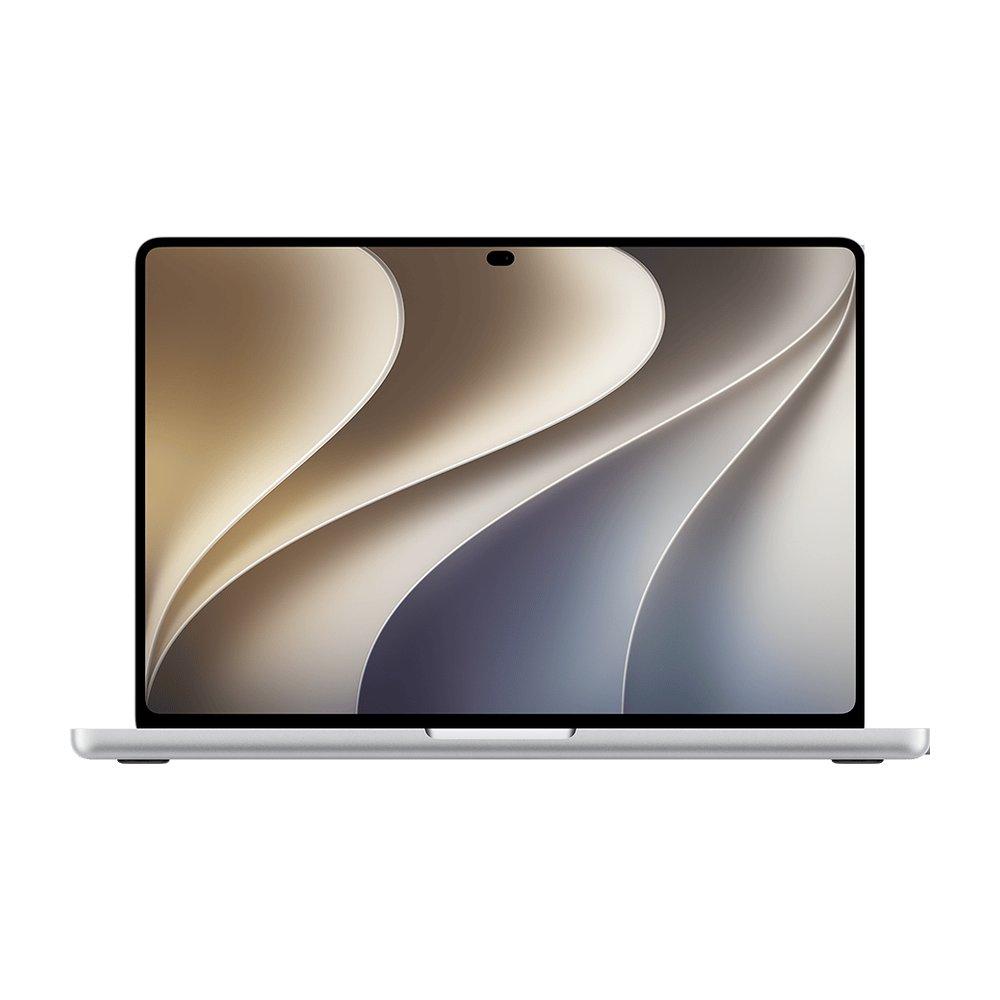
Photo editing is about the display first and memory second. A color-accurate screen matters more than raw power, which is why the 14-inch MacBook Pro with its XDR panel is the pick for serious work, while the 15-inch Air is a fine, cheaper canvas for hobbyists. Aim for 24GB of memory and plenty of storage for RAW libraries.
Editing photos means trusting the screen. The Pro's XDR panel (mini-LED, or tandem OLED on the PROLED models) hits 1000 nits sustained with P3 wide color; the Air's panel is good and P3 too, but the Pro is the reference-grade choice.
Lightroom and Photoshop with large RAW files and many layers reward more memory. 24GB is the comfortable point; 48GB for very large batch exports or heavy compositing.
Storage for RAW libraries
RAW files are large and a catalog grows fast. 512GB is a starting point; 1TB or more if you keep your library on the machine rather than an external drive.
Portability if you shoot on location
If you cull and edit in the field, the Air's weight and silence are worth a lot. At a studio desk, the Pro's display and ports win. If you also fly a drone for aerial shots, the FAA Part 107 certificate you need to fly it commercially is the one paid drone jobs at Amazon Prime Air and Zipline ask for, and RobotTraining.jobs, a job board we also maintain, lists those Part 107 jobs with the pay where a posting states it.
The picks
Prices are the lowest we currently track for each model, across every seller and condition. Each figure links to the exact offer and source it comes from. BuyMacbook.co does not sell MacBooks.
The base 14-inch Pro already has the XDR display that photo work is really about: 1000 nits, P3 wide color, ProMotion. The M6 handles Lightroom and Photoshop smoothly, and the SDXC slot reads camera cards directly. 24GB is the config to buy: Apple gives it 170GB/s of memory bandwidth, where the 16GB model keeps the M5's 153GB/s.
A large, sharp P3 display for editing at a lower price, and the extra screen space of the 15-inch is genuinely useful for culling and retouching. Fanless and light for photographers who edit on the move. Not a reference-grade panel, but excellent for hobby and enthusiast work.
For professional, print and HDR work. The OLED MacBook Pro (October 2026) adds Adobe RGB alongside P3, which Apple calls critical for photography and design workflows, a 10,000,000:1 contrast ratio and a 2000-nit HDR peak, and touch for retouching right on the canvas. Its M5 Pro speeds large RAW batches and composites, and 48GB keeps big Photoshop documents responsive. It costs $400 more than the mini-LED M5 Pro model with the same chip, memory and storage.
For hobbyist and enthusiast editing in Lightroom and Photoshop, yes, especially the 15-inch Air for its larger canvas. For professional color work you want the MacBook Pro's reference-grade XDR display, which is the single most important tool for trusting what you see.
How much memory do I need for Lightroom and Photoshop?
24GB is comfortable for most photo editing with large RAW files. Move to 48GB if you do heavy batch exports, large panoramas or complex multi-layer composites.
Does the display really matter more than the chip for photos?
Yes. Photo editing is display-bound far more than compute-bound. A color-accurate, bright panel changes the quality of your edits; a faster chip mostly changes how quickly they export. Buy the screen first.
Is the OLED MacBook Pro better for photo editing?
For print and professional color work, yes: it is the only MacBook that covers Adobe RGB as well as P3, with a 10,000,000:1 contrast ratio and touch on the canvas. Apple prices it $400 above the mini-LED model with the same chip, memory and storage, so for screen and web work the mini-LED XDR display remains an excellent, cheaper choice.