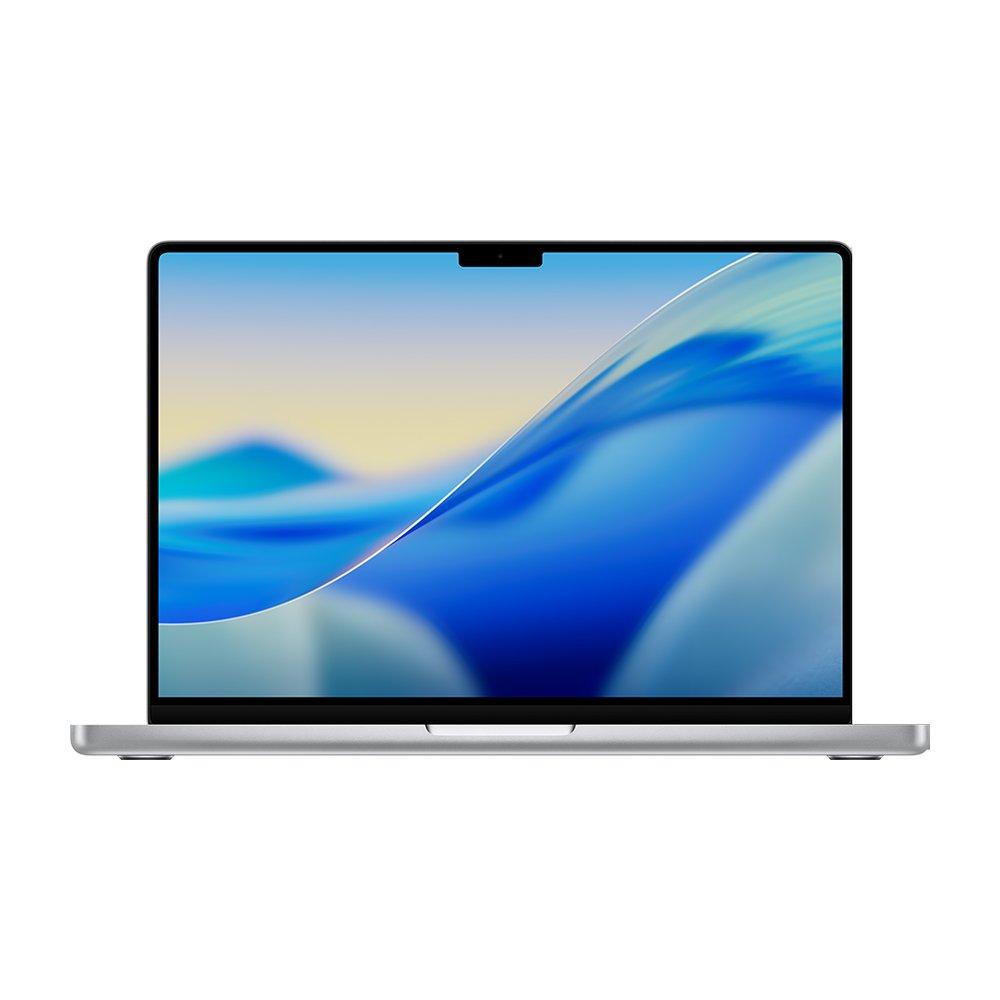
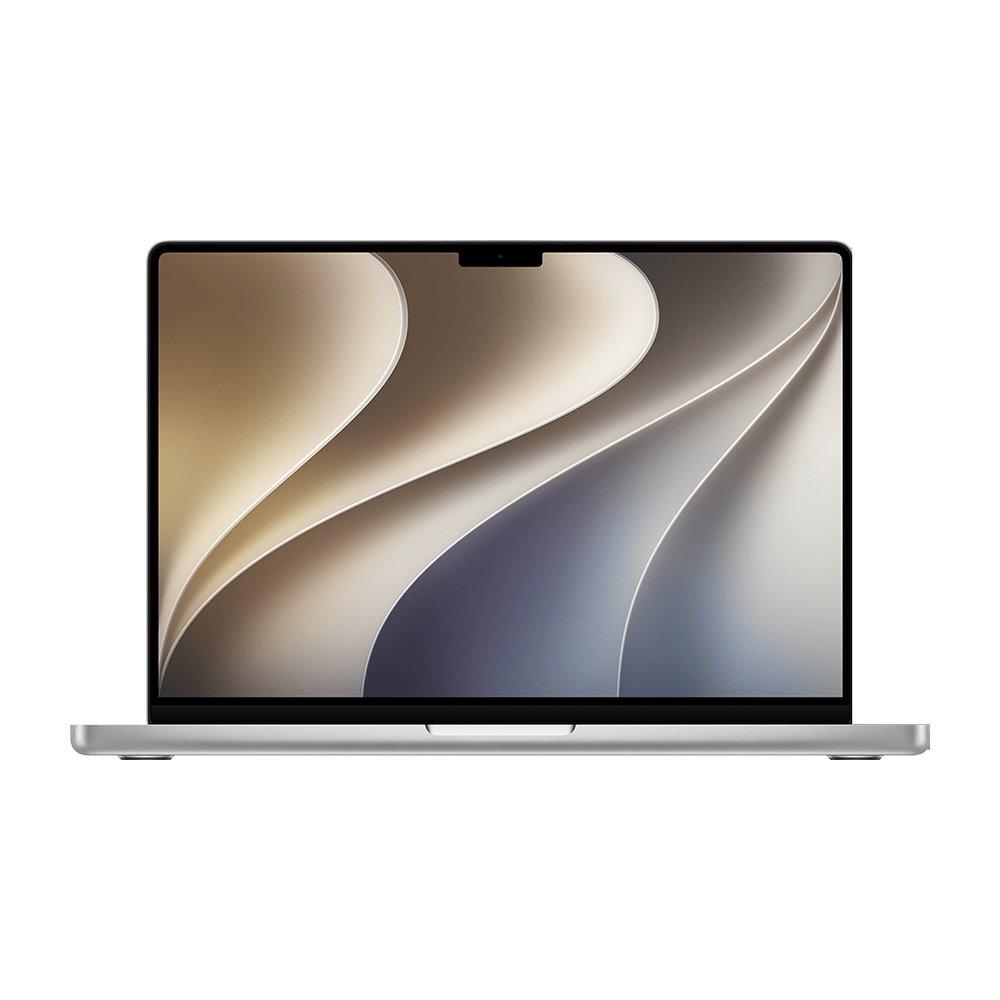
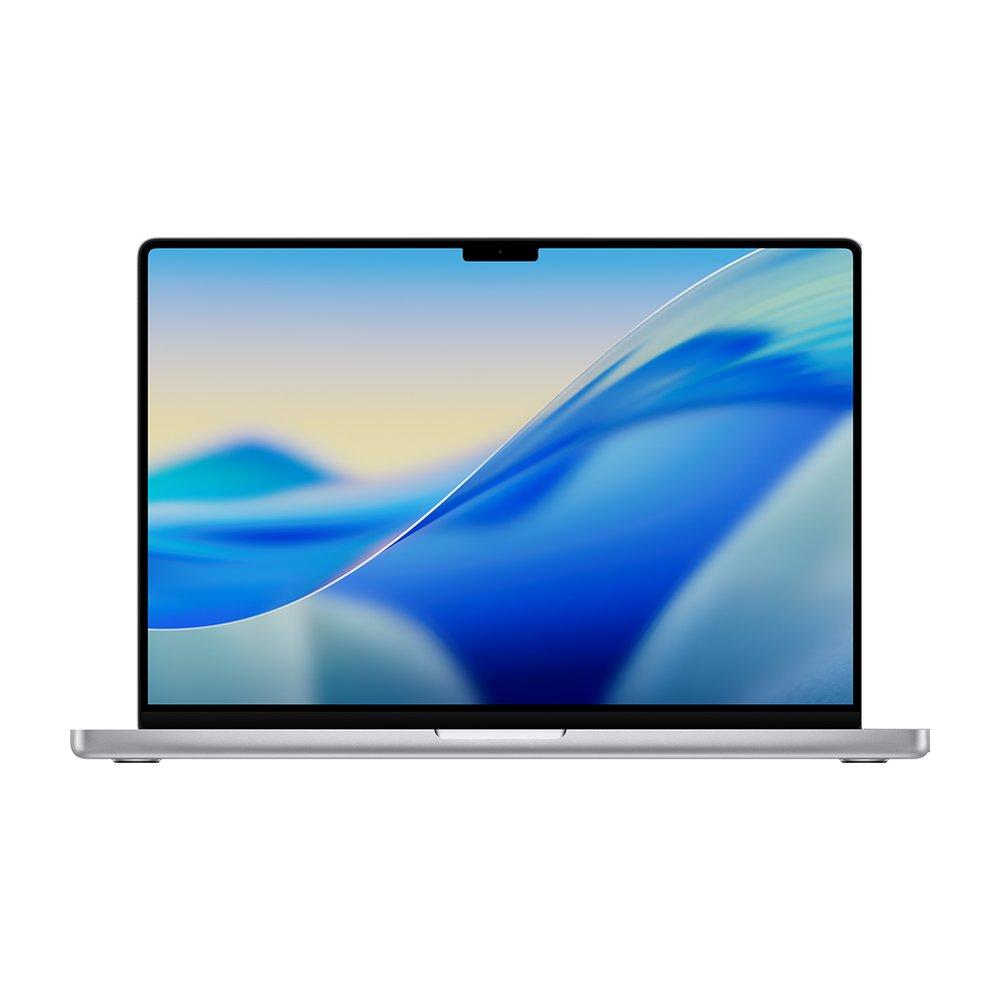
Video editing is where a MacBook Pro genuinely earns its price. You want GPU cores for renders and effects, a color-accurate XDR display for grading, at least 32GB of memory, and the built-in SDXC and HDMI ports that a Pro has and an Air does not. The 14-inch M5 Pro is the sweet spot; step up to the 16-inch M5 Max for 8K and long multicam timelines.
Renders, effects and timeline playback lean on the GPU. The M5 Pro's 16 to 20 GPU cores and the M5 Max's 32 to 40 are what cut export times and keep 4K and 8K scrubbing smooth.
Grading needs a reference-grade panel. Every MacBook Pro has an XDR display, the Liquid Retina XDR mini-LED panel (1000 nits sustained, 1600 peak HDR, P3 wide color) or, on the models Apple announced on October 28, 2026, the tandem OLED PROLED XDR panel; the Air's good panel is not built for color work. The eye for color and footage that grading trains is also paid work: AI labs pay video editors by the hour to judge how well models understand footage, and AITraining.jobs lists those roles for video editors and designers, from the same people behind BuyMacbook.co.
32GB of memory or more
High-resolution timelines, multiple streams and effects nodes all consume memory. 32GB is the floor for serious editing; 48GB and up for 8K, heavy grading or many layers.
SDXC and HDMI ports
The Pro reads camera cards directly and drives an external monitor over HDMI with no dongles. The Air has neither, so a Pro removes friction from an editing desk.
The picks
Prices are the lowest we currently track for each model, across every seller and condition. Each figure links to the exact offer and source it comes from. BuyMacbook.co does not sell MacBooks.
The editing sweet spot. The M5 Pro's 16 to 20 GPU cores handle 4K grading and export comfortably, the XDR display is color-accurate out of the box, and the SDXC and HDMI ports mean no dongles. 48GB carries real timelines with room to spare.
The base 14-inch Pro already has the full XDR display, ProMotion and the SDXC and HDMI ports, so it is a real editing machine, not a cut-down one. The M6 adds two GPU cores over the M5 (Apple rates its graphics up to 30 percent faster), and at 32GB, with Apple's faster 170GB/s memory bandwidth, it handles 1080p and lighter 4K projects well for noticeably less than the M5 Pro.
For 8K, long multicam timelines and heavy effects. The M5 Max's 32 to 40 GPU cores and up to 128GB of memory are built for it, and the 16-inch chassis sustains that power far better than a 14-inch can, on the largest XDR display Apple ships.
For light 1080p and short 4K clips, yes. But the Air lacks a color-accurate XDR display, SDXC and HDMI ports, and the sustained cooling that longer exports need. For anything beyond casual editing, a MacBook Pro is the right tool.
How much memory do I need for video editing?
32GB is the practical floor for serious editing. 48GB is comfortable for 4K with grading and effects, and 64GB or more is for 8K, long multicam timelines and heavy composites.
Is the 16-inch worth it over the 14-inch for editing?
For the most demanding work, yes. The 16-inch has a bigger XDR display and, crucially, sustains high-end M5 Max performance better than the 14-inch chassis can under a long render. For most editors the 14-inch M5 Pro is enough and far more portable.
Is the OLED MacBook Pro worth it for video editing?
For HDR grading and color-critical finishing, it is the better display: a tandem OLED panel with true blacks, a 10,000,000:1 contrast ratio and a 2000-nit HDR peak, with the same M5 Pro and M5 Max chips as the mini-LED models. Apple prices it $400 above the mini-LED model with the same chip, memory and storage, which buys no extra speed, so for editing that is not HDR or color-critical the mini-LED XDR models are the better value.